
Blog
Touchless Control Guides
How gesture control works, where it fits, and what it takes to run it. Start here if AirTouch is new to you.

Gesture Control for Lecture Halls and Auditoriums
Interactive panels stop at 86 inches. Lecture halls do not. How gesture control makes a projector or large LCD interactive from the lectern or the floor.

Touchless Museum Exhibits and Trade Show Booths
Exhibits and booths live or die on whether people stop. How camera-based gesture control makes a display interactive with nothing to touch, wear, or wipe down.

Add Gesture Control to a Display Without an SDK
Product teams can add gesture input to a display, kiosk, or appliance without porting an SDK into firmware. How OS-level gesture control fits an OEM roadmap.

In-Car Gesture Control: Why Early Systems Failed
Automotive gesture control earned a bad reputation for misfires and party tricks. What the first generation got wrong, and what intent detection changes.

Touchless Screens for Food Plants and Warehouses
Wet hands, gloves, and washdown make touchscreens a poor fit for food plants and warehouses. How gesture control keeps operators on task without a tap.

Touchless HMI for Cleanrooms and ESD Sensitive Areas
Where touching a screen means contamination or a static discharge, a camera can take the tap. How touchless HMI works in cleanrooms and ESD controlled areas.
Touchscreens and Work Gloves: Stop Degloving
Operators pull off a glove every time a touchscreen ignores them. Why touchscreens fail with work gloves and how camera-based gesture control removes the tap.

Control Netflix and YouTube With Hand Gestures
Pause, skip, and change the volume from the couch. How to control Netflix, YouTube, and other streaming on a PC using a webcam and hand gestures.

Scroll Recipes With Messy Hands: No Touching Needed
Flour on your fingers and the recipe just scrolled away. How to scroll recipes without touching the screen, using a laptop webcam and hand gestures.

Does Gesture Control Work With Surgical Gloves?
Touchscreens fail with gloved hands. How camera-based hand tracking handles surgical gloves, which colors need a setting change, and what to test first.

Kinect in the OR: What Happened to Touchless Surgery
A decade ago surgeons used Xbox Kinect sensors for touchless image control in the OR. Why those projects stalled, and what camera-based gesture control changed.
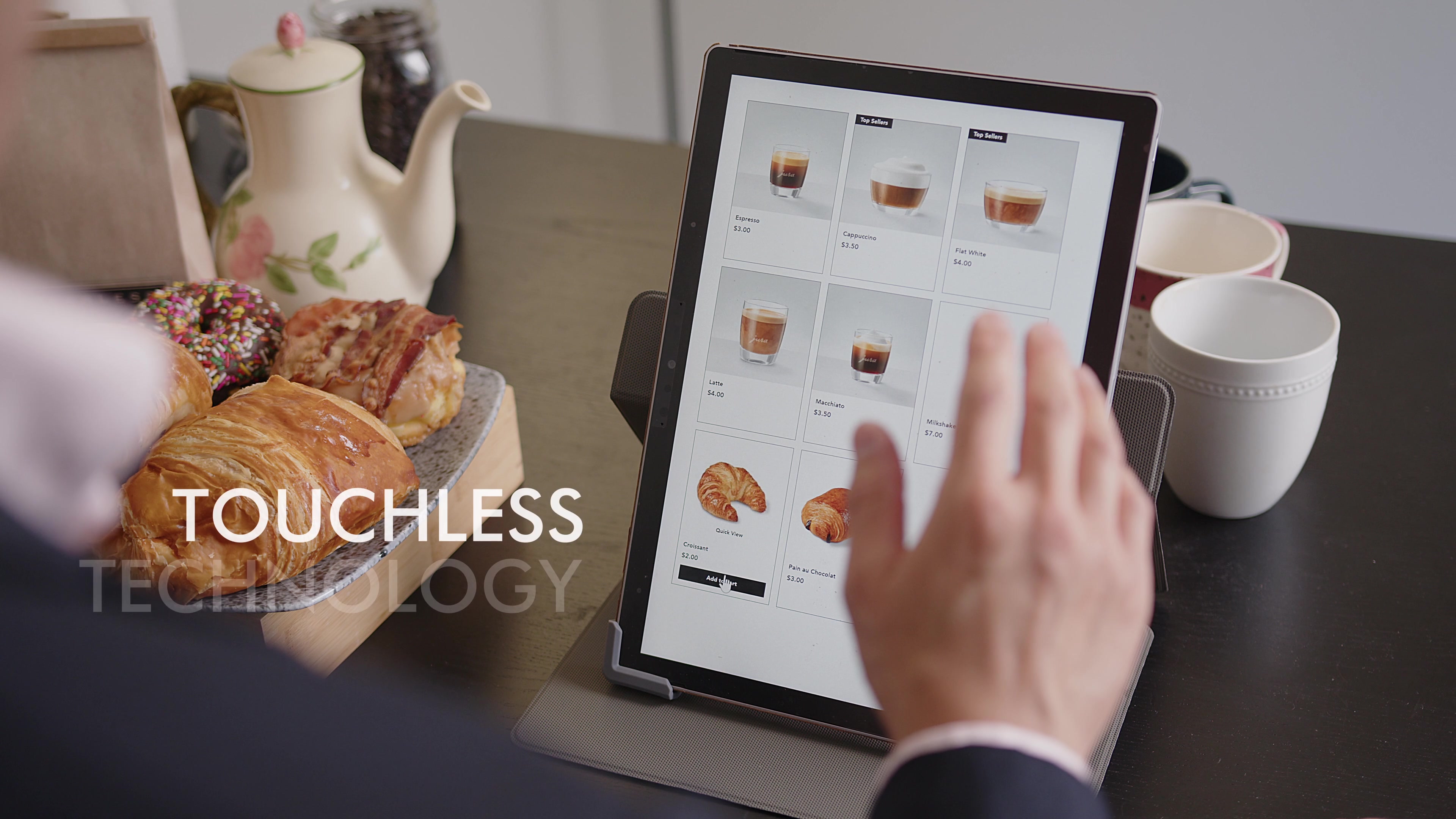
Gesture Control for Android Displays and Kiosks
Android powers signage players, kiosks, and smart displays. How camera-based gesture control adds touchless interaction to Android screens without an SDK.

Touchless Control for Surgery Centers and OBLs
Ambulatory surgery centers and office-based labs run lean. How camera-based gesture control adds sterile image navigation without an integration project.

Gesture Control for Linux With a Standard Webcam
Linux runs the kiosks, signage players, and workstations where touchless control matters most. How to add hand tracking and gesture control with a webcam.
How Surgeons Review Imaging Without Breaking Scrub
Breaking scrub to check a scan stalls the case. How gesture control lets a scrubbed surgeon navigate imaging directly, and what to test before you adopt it.
Touchless Image Control in the IR Suite and Cath Lab
How interventional radiology and cath lab teams use camera-based gesture control to navigate imaging from the sterile field, with no viewer integration.
Smart Board Cost 2026: The Panel Is the Cheap Part
The panel is the smallest line item. What installation, software, training, maintenance, and the refresh cycle add to a smart board rollout.

Make a Projector a Smart Board Without Replacing It
Your auditorium projector is not the problem. Add gesture control to the AV you already own and get smart board style interaction without a rip and replace.

Touchless Meetings in Zoom Rooms and Teams Rooms
Add touchless gesture control to Zoom Rooms and Teams Rooms that run on a Windows PC. Present, annotate, and drive the room from anywhere at the table.
Apple Vision Pro-Like Gestures on Any Screen
You can use Vision Pro-style pinch and swipe gestures on ordinary screens. No headset, just a webcam and software. How spatial input went mainstream.

Touchless PACS: Gesture Control for Radiology
Clinicians can drive PACS and imaging viewers with gestures instead of shared peripherals. How camera-based touchless control fits imaging workflows.

Interactive Conference Room TV Without a New Panel
Make the TV on your conference room wall interactive without replacing it: what interactive displays cost in 2026 and the software path that skips the swap.

Do Any Laptops Have Gesture Control Built In?
A few laptops have shipped gesture features, but any laptop with a webcam can add full gesture control in software. Here is how to set it up in minutes.
Gesture control for digital signage
Gesture control turns digital signage into an interactive display using a standard camera. No touchscreen retrofit, no sensors, no SDK.
Best Smart Board for a Conference Room 2026? Your TV
Shopping for the best smart board for a conference room? 2026 prices compared, three questions to ask, and the software that makes your TV the board.

What Is a Touchless Interface?
A touchless interface lets you control a screen without physical contact, using hands, voice, or gaze. How camera-based gesture control leads the shift.
Touchless Control in the OR
Clinicians control imaging and records with gestures read by a camera. Nothing to touch means nothing to contaminate.
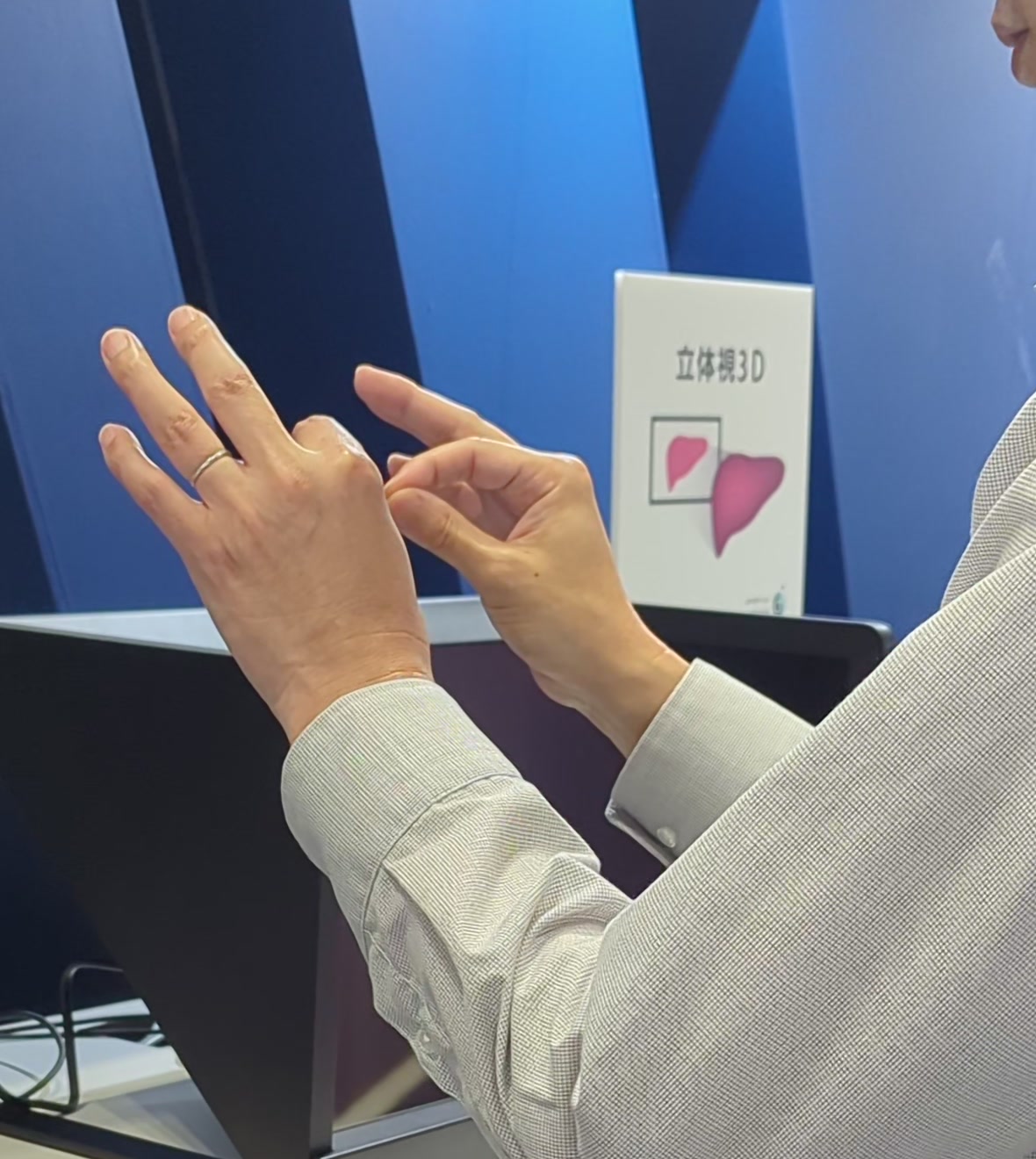
Immersive 3D Without the Headset
Manipulate 3D content with your bare hands while the whole room sees the same screen. No headset to wear, share, or sanitize.

The Touchless Kiosk: Screens Nobody Has to Touch
A public screen everyone can use and nobody has to touch. AirTouch turns a standard camera into the kiosk's input device.

Control a Computer With Hand Gestures and a Webcam
No depth sensor, no headset. A standard webcam is enough to control your computer by hand, and setup takes about five minutes.

Gesture Control for Windows, Linux, and Android
One install adds gesture control to a Windows PC, Linux machine, or Android display at the OS level. If it runs on your OS and takes a click, it takes AirTouch.

How to Set Up Hand Tracking on the Sony SRD
Install AirTouch, point it at the SRD, and control glasses-free 3D by hand in about five minutes. No headset, no extra hardware.

Does the Sony SRD Camera Come with Hand Tracking?
The SRD's built-in camera does eye tracking out of the box. With AirTouch and two minutes of camera sharing setup, it does hand tracking too.
© 2026 Neural Lab, Inc.
Designed and built in Sunnyvale, CA