
Gesture Control for Android Displays and Kiosks
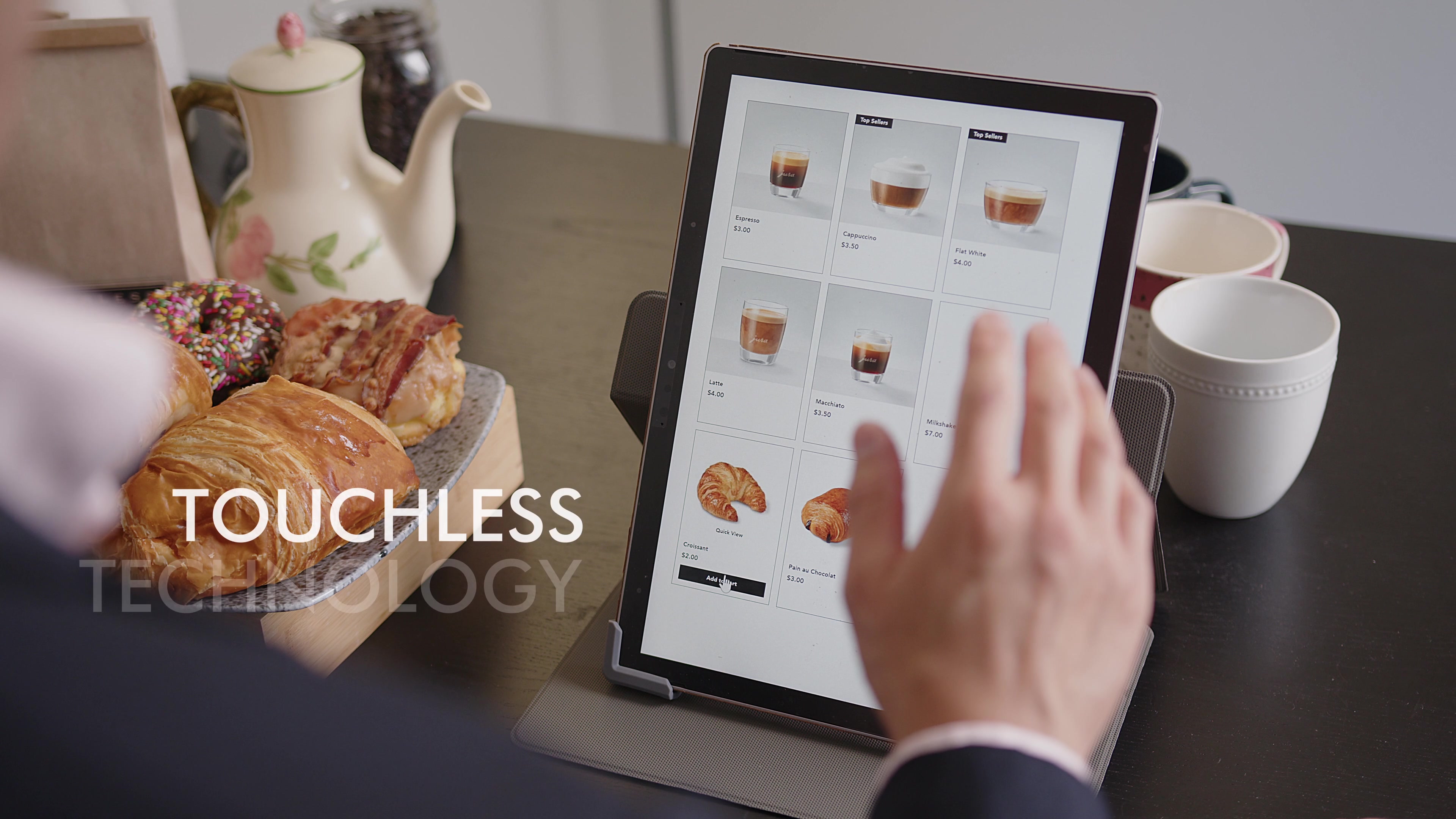
Here is the short answer. Android gesture control usually means swipe navigation on a phone. This article is about the other kind: controlling an Android screen from a distance with hand gestures in the air. AirTouch runs on Android, reads gestures through a standard RGB camera, and turns them into the touch and key input Android apps already understand. That makes it a fit for Android signage players, kiosks, tablets on a wall, and product teams building Android-based displays.
Why add air gestures to an Android device?
Android left the pocket years ago. It runs media players behind retail screens, self-service kiosks, conference room panels, smart home displays, and the dashboards of consumer products. Most of those screens were designed around touch.
Touch has limits. People hesitate to touch shared screens. Some screens sit behind a shop window or out of reach. Some users are wearing gloves or have their hands full of flour. And many signage screens have no touch layer at all, because adding one to a large display is expensive.
A camera and software can make those screens interactive without changing the display.
How does AirTouch work on Android?
A camera faces the user. AirTouch tracks the hand and converts gestures into standard input, so the app on screen behaves as if someone tapped, dragged, or pressed a key. There is no SDK to add to the app and no code change. The same fifteen gestures and the same mapping model apply across Windows, Linux, and Android, described in the gesture list and mapping guide.
Gesture inference runs on the device, and camera video is processed locally.
Android hardware varies far more than PCs do. Processor, camera support, and Android version all matter, so tell us about your device and we will confirm fit before you plan a rollout.
Where does it fit?
Digital signage. Turn a passive screen into one people can browse. Proximity Trigger can wake the content when someone approaches. See gesture control for digital signage.
Kiosks. Ordering, check-in, and wayfinding with nothing to touch and nothing to wipe down. See the touchless kiosk and best touchless kiosk software.
Store windows. A camera tracks hands through glass, so a display inside the window can respond to people on the sidewalk.
Kitchen and workshop displays. Scroll a recipe or a work instruction with messy or gloved hands.
OEM products. Add gesture input to an Android-based display, appliance, or vehicle screen without porting an SDK into your firmware team's backlog.
What about crowds and passersby?
Public screens face a problem desktops do not: many people in view, most of whom are not trying to control anything. Patented intent detection identifies the person who means to interact and stays with them until they finish, and incidental movement from people walking past is filtered out in most setups. AutoZoom locks onto the first person to raise a hand. Both are covered in advanced settings for crowds and kiosks.
Does it need a special camera?
A standard RGB camera covers typical use. Frame rate matters more than resolution, so aim for 20 frames per second or more. For dark venues or precision spatial work, through our partnership with Orbbec, AirTouch also takes advantage of 3D depth sensing and IR cameras when a deployment calls for them. See the Orbbec page.
How do product teams license it?
OEM licensing covers embedding AirTouch in your own Android product, with engineering support through integration and custom gesture sets where a product needs them. Inference stays on the device, which keeps privacy reviews simple. Details are on the OEM solutions page.
Where to start
Product and signage teams should book a demo and bring the device spec. To get a feel for the interaction today, start a free trial on a Windows PC with a webcam. The gestures are the same.
Related: gesture control for Linux, gesture control for immersive displays, and gesture control and hand tracking software.
© 2026 Neural Lab, Inc.
Designed and built in Sunnyvale, CA