
Best Hand Tracking Camera 2026: Webcam or Depth?
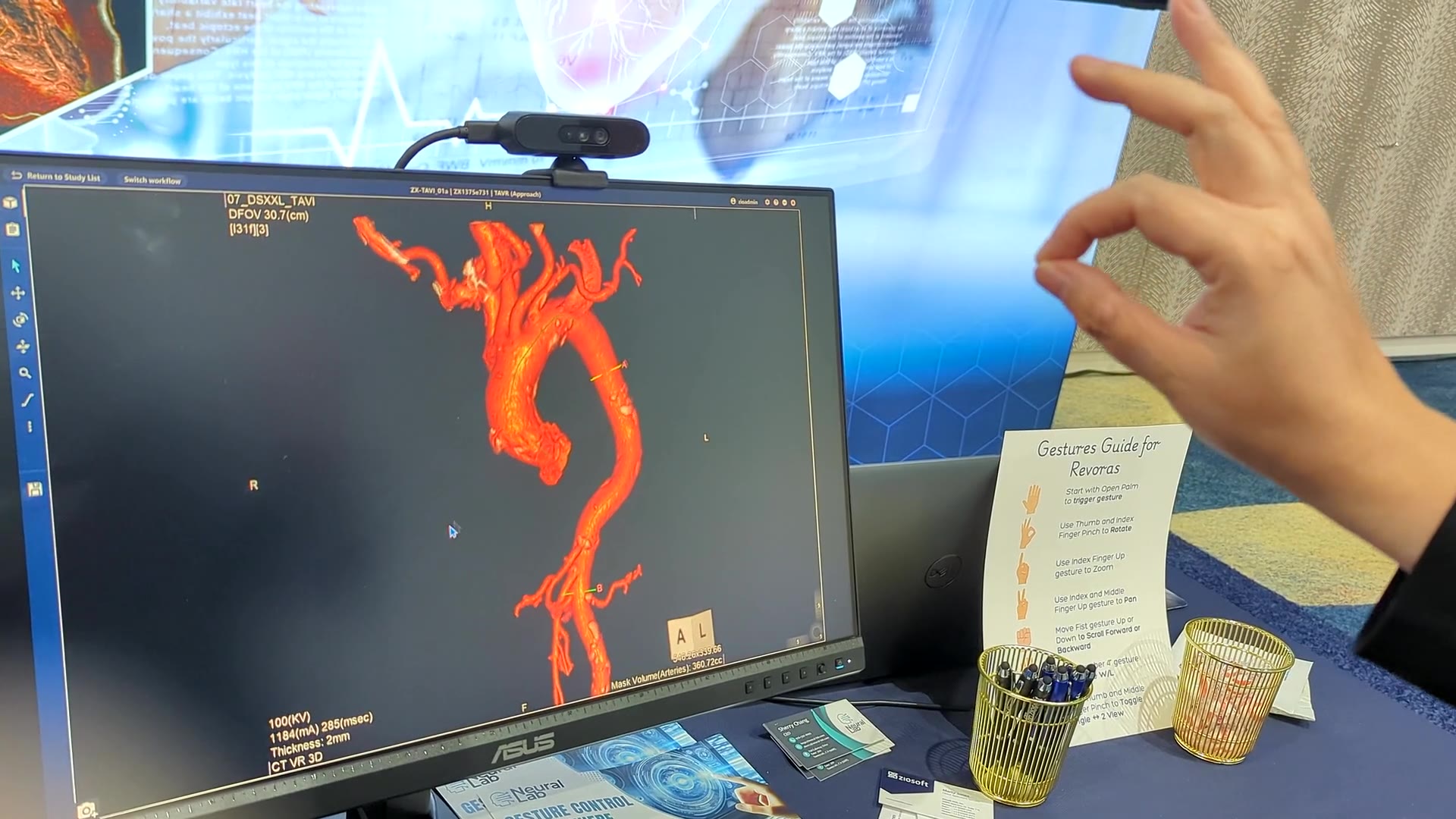
The best camera for hand tracking is usually the one you already own. AirTouch runs on any standard RGB camera, and what matters most is frame rate, not resolution: aim for 20 FPS or better, because below 15 FPS tracking needs troubleshooting. A plain 1080p webcam clears that bar easily. Specialized cameras earn their place in specific environments, like low light, long distances, or sealed enclosures, and this guide covers when each tier makes sense.
What actually matters in a hand tracking camera?
Frame rate first. 20+ FPS keeps the cursor smooth; 30 FPS is comfortable headroom. Resolution matters far less, since hands are large targets and 720p is plenty in most setups.
A clear view. The camera needs an unobstructed line to the user's raised hand, whether mounted on the screen, above it, or beside it. Framing fixes more tracking problems than hardware upgrades do; the camera setup guide shows how.
Light. RGB cameras need reasonable ambient light. Dim or wildly uneven lighting is the main reason to consider IR or depth hardware.
Which webcam is best for hand tracking?
A standard 1080p webcam that delivers 30 FPS, in the Logitech C920 class, is the practical pick for desktop and conference room use. Frame rate matters more than resolution, so a 720p camera holding 30 FPS usually tracks more smoothly than a higher resolution camera that drops below 20.
1. The webcam you already own
A standard 1080p webcam in the Logitech C920 class, or the camera built into your laptop, handles desktop and conference room hand tracking well. It delivers 30 FPS in normal lighting, costs nothing if it is already on your monitor, and is the right starting point for almost everyone. Start here, and only upgrade if your environment proves you need it.
Want to test it on the camera you own? Start a free trial. Setup takes about five minutes: see the Windows install guide.
2. The conference room camera or video bar
Most meeting room cameras and video bars present themselves to the PC as standard USB cameras, which means AirTouch can usually read them like any webcam. The wide field of view suits a room where the active hand might be at the table or at the screen. Check that the room PC receives at least 20 FPS at the resolution in use, and the room is ready to go touchless.
3. An Android device's own camera
AirTouch runs on Android, so kiosks, signage players, and tablets can use the camera already built into the device. For fleets, that is the difference between a software rollout and a hardware retrofit.
4. IP and kiosk cameras
Most IP cameras and the webcams many kiosks ship with work for hand tracking in typical conditions. The cautions are frame rate, since some IP streams trade FPS for resolution, and latency, since a slow stream makes the cursor feel like it is wading. Test the actual stream before committing a fleet.
5. Orbbec depth cameras: when the environment fights you
Some environments call for more than RGB: near darkness, harsh backlight, long throws, precision alignment. Through our partnership with Orbbec, AirTouch takes advantage of 3D depth sensing and IR cameras, with the Gemini 336 as our usual recommendation. Orbbec also carries the Kinect lineage forward, with its Femto line as Microsoft's recommended Azure Kinect replacement, a story we tell in the Kinect replacement guide. Which model fits which environment is covered on our Orbbec camera page.
A caution about built-in display cameras
Some displays ship with convenience cameras that top out near 10 FPS, below the comfortable tracking floor. The Sony SRD is a known example, and the fix is simple: pair the display with an external webcam, as our Sony SRD setup guide walks through. When a built-in camera underperforms, a $30 webcam usually solves what looks like a software problem.
So which camera should you buy?
In most setups, none. Point the camera you own at the space where hands will be, confirm 20 FPS, and spend your budget on nothing. Reserve specialized hardware for environments that earn it. That is the quiet advantage of camera-based hand tracking software: the sensor is a commodity, so the choice stays yours.
Test your current camera first. Start a free trial, point it at your hand, and see if you need to spend anything at all.
Related: camera setup for hand tracking, Orbbec cameras for AirTouch, and gesture control and hand tracking software.
© 2026 Neural Lab, Inc.
Designed and built in Sunnyvale, CA