
PowerPoint integration
Gesture Control for PowerPoint
AirTouch converts hand gestures into the clicks and key presses PowerPoint already understands. Present without a clicker, from anywhere in the room, on the camera you already own.
7-day free trial · Card required · Cancel anytime
Patented · No plugin or add-in · Windows, Linux, and Android

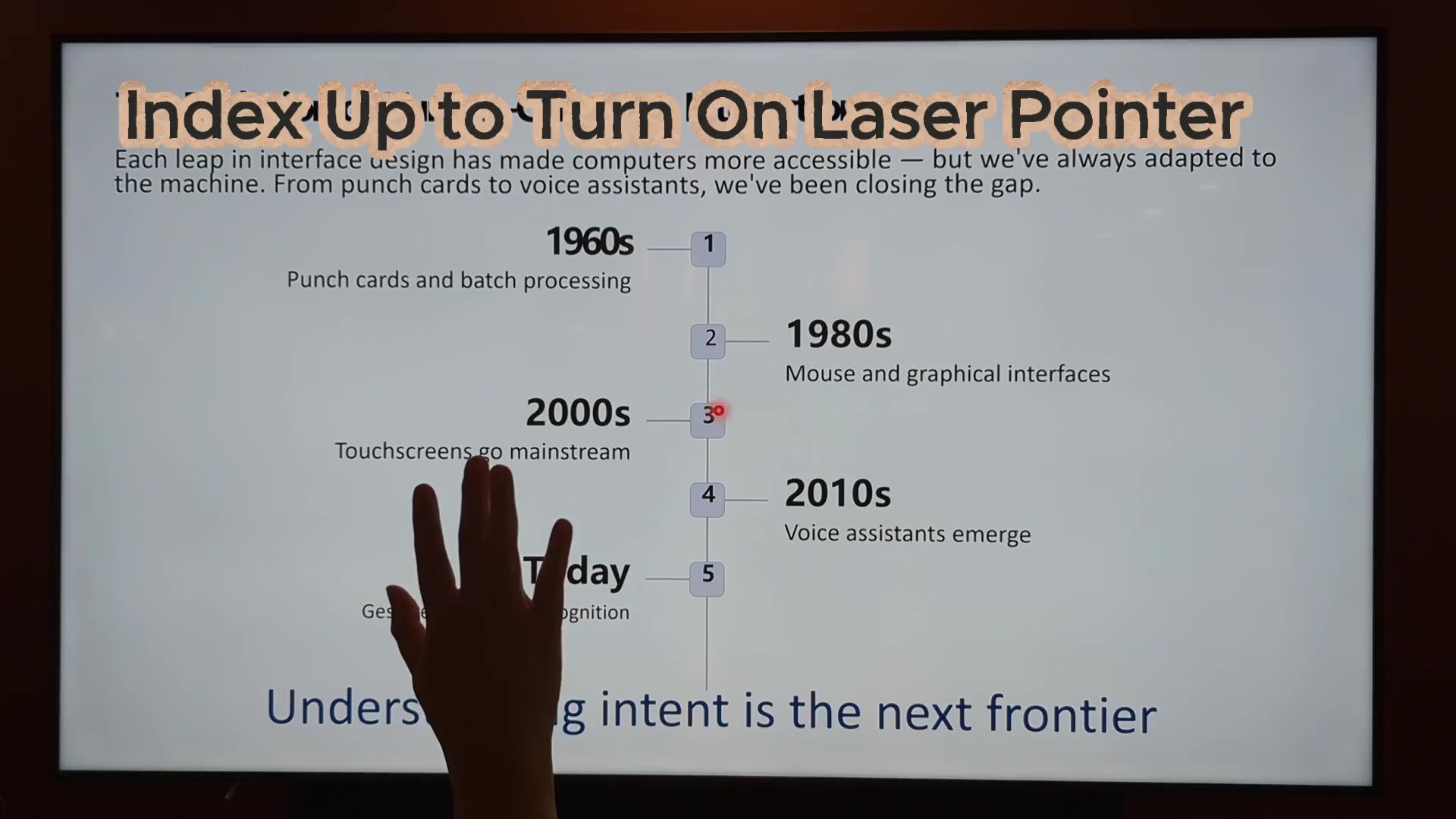
AirTouch works at the operating system level. Its 15 gestures map to standard input events: a swipe sends the arrow keys Slide Show mode listens for, and a pinch clicks links, videos, and embedded content. The same setup drives Google Slides, Keynote in the browser, and any full-screen deck.
Why gestures
Retire the Clicker, Keep the Room's Attention
The clicker does one thing: next slide. Presenters jump back to charts, play videos, and click through live demos, and each of those normally drags you back to the laptop. With gestures you stay facing the audience and your raised hand does the driving. Nothing to pass between speakers, and no dead batteries five minutes before the keynote.

Setup
Working in Five Minutes
Install AirTouch on the presentation PC, aim the camera the room already has, and map a swipe to Right Arrow. Mappings save per profile, so the room is ready before every meeting and rehearsal takes about a minute.
Big rooms
Built for a Room Full of Hands
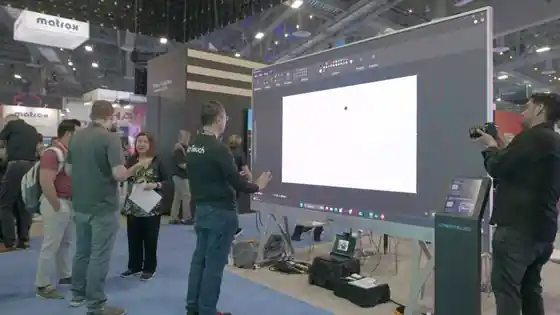
Patented intent detection is designed to lock onto the presenter and filter out the audience, so a stretch in the second row does not skip your slide. AutoZoom keeps tracking on the first raised hand until that person is done. In most setups a standard camera handles a full conference room; unusual lighting or very long throws may call for a specialized camera.
Common questions
Presenting With Gestures, Answered
Your Next Presentation, No Clicker
One deck, one camera, five minutes. Let the room watch you instead of the trackpad.
7-day free trial · Card required · Cancel anytime
© 2026 Neural Lab, Inc.
Designed and built in Sunnyvale, CA