
AirTouch × Sony Spatial Reality Display
Reach Into Glasses-Free 3D on the Sony Spatial Reality Display
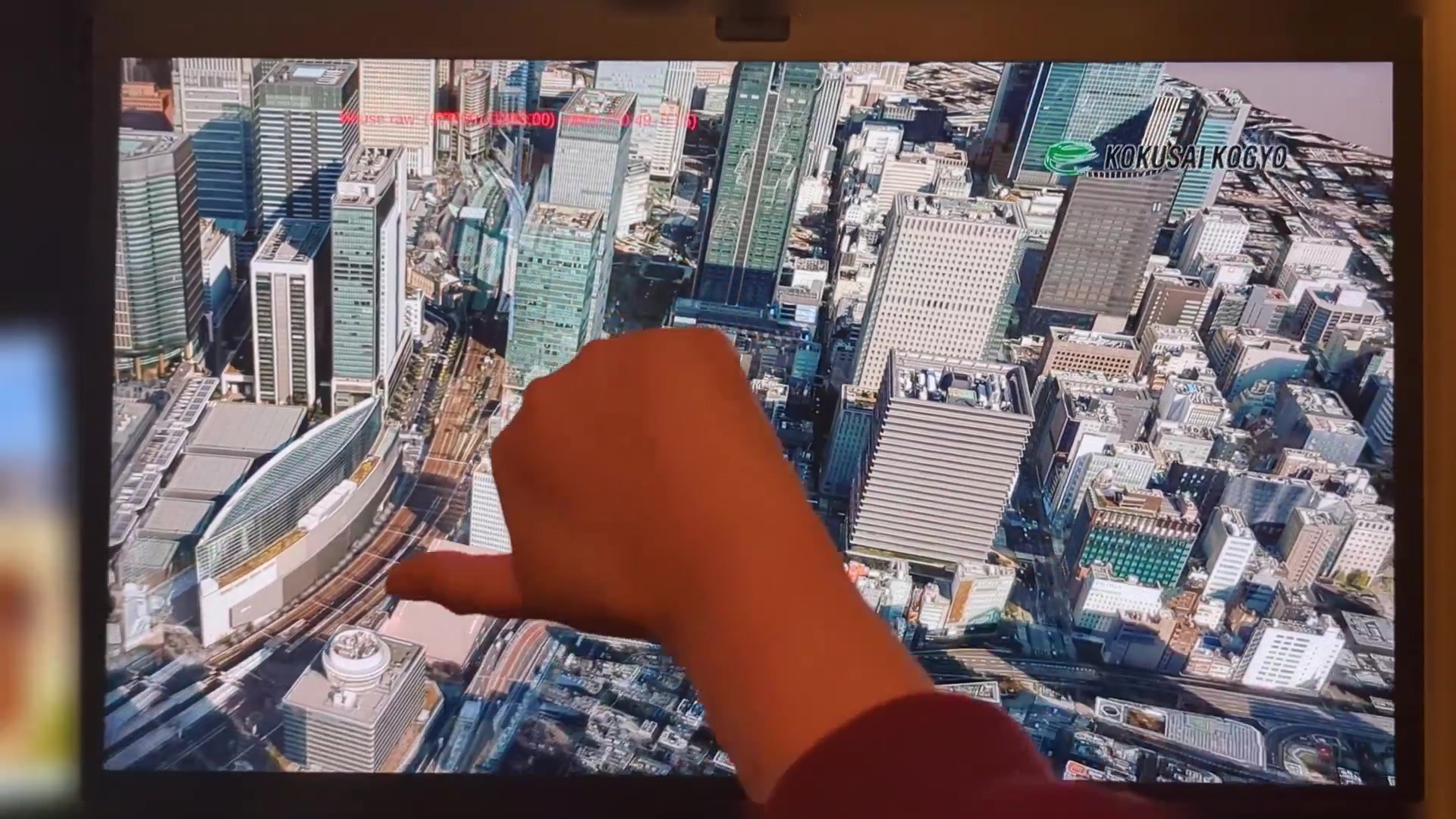
AirTouch adds patented hand tracking gesture control to the Spatial Reality Display. Rotate, navigate, and explore true 3D by hand. No headset, no controllers, and it can even run on the display's built-in eye-tracking camera.
7-day free trial · Card required · Cancel anytime
Touchless control
All the Immersion, None of the Headset
A headset seals you off from the room. Sony's Spatial Reality Display (ELF-SR1 and ELF-SR2) keeps depth-accurate, glasses-free 3D right on your desk, and AirTouch makes it touchless. Your hand movements become the mouse, keyboard, and tap inputs your 3D software already understands, often through the display's own eye-tracking camera.
Use cases
Where Gesture Control Goes to Work
The VR headset alternative
Why Reach In Beats Strapping In
AirTouch + Sony SRD
VR headset
Wear anything
Nothing
Headset + controllers
Your view
Eyes up, on the real display
Sealed inside a headset
See your desk & surroundings
Yes
No, or passthrough video only
Hardware to add
Often none, uses the display's camera
Headset per person
Motion sickness
None
Common
Sterile / shared use
No headset to share or doff
Shared headset, donning/doffing
Cost
Display + software
Headset per seat
Diverse OS support
No-code integration
Customizable gestures
2D & 3D
Enterprise-grade reliability
Uses the display's own camera
Enterprise-grade gesture control. Dependable in the clinic, on the convention floor, and everywhere in between.
FAQ
Sony SRD Gesture Control, Answered
Try AirTouch on Your Spatial Reality Display
Headset-free gesture control on Sony's glasses-free 3D, with a camera you already own. Up and running in minutes.
7-day free trial · Card required · Cancel anytime
© 2026 Neural Lab, Inc.
Designed and built in Sunnyvale, CA