
Zoom & Teams integration
Touchless Meeting Rooms for Zoom and Teams
AirTouch reads gestures through the camera your room already has and sends the standard input Zoom and Teams already accept. Mute, share, and whiteboard from any seat, with nothing new on the wall.
7-day free trial · Card required · Cancel anytime
Patented · Works with your video bar camera · Windows, Linux, and Android
AirTouch works at the operating system level rather than inside any one app. A pinch clicks the mute button the way a mouse would, and gestures can carry keyboard shortcuts like Alt plus A in Zoom or the sharing shortcut in Teams. Whatever the room PC runs, a hand can drive.
Any seat
Control Moves Around the Table Like Conversation
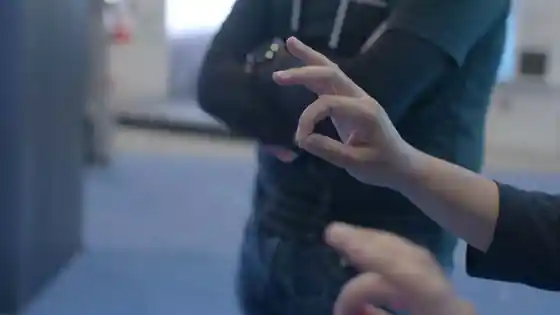
Driving the room screen usually means walking to the console or passing a keyboard down the table like a collection plate. With gesture control, whoever raises a hand drives the screen from where they sit, and the meeting keeps moving. The shared keyboard nobody wants to touch after flu season stops being the price of participation.
Whiteboards
The Whiteboard Without the Board
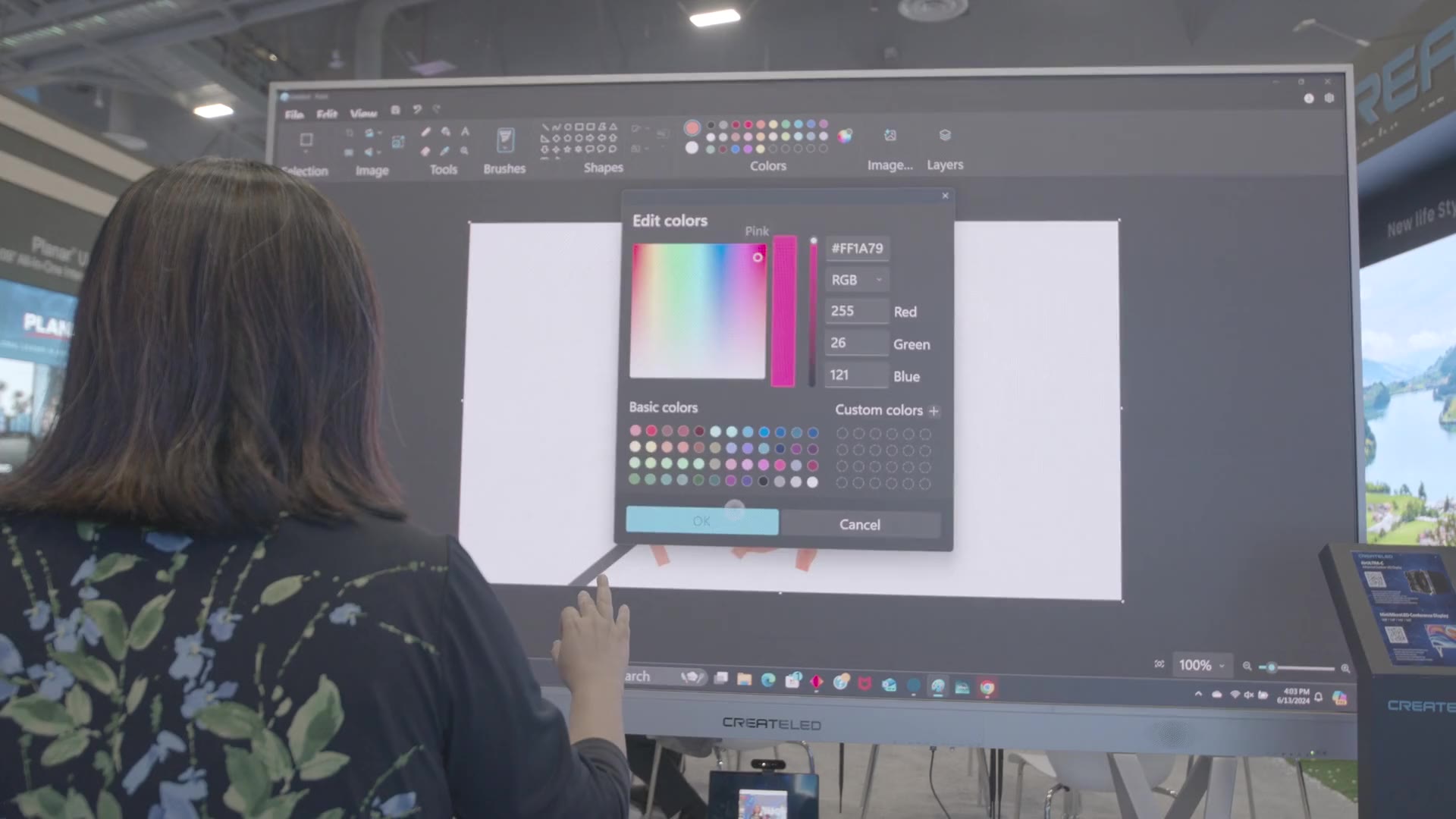
The whiteboards built into Zoom and Teams, plus Miro and Microsoft Whiteboard, respond to AirTouch the way they respond to touch. Point to draw, pinch to grab a card, swipe to pan. On a plain TV, that is the closest thing to a smart board without buying one.
Reliability
A Room Full of Hands, One Driver
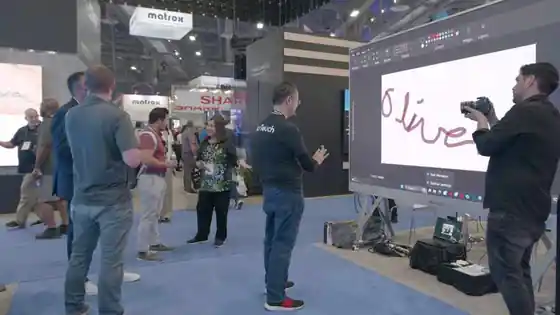
A meeting room is a room full of moving hands, and a naive gesture system would fire on all of them. Patented intent detection is designed to identify the person deliberately driving the screen and filter out conversational gestures, and AutoZoom locks onto the first raised hand until that person finishes. In most rooms the existing camera handles it; unusual geometry may call for a repositioned camera.
Common questions
Touchless Meetings, Answered
Make Your Most-Used Room Touchless
The camera is on the wall and the PC already drives the display. The only thing missing is the software.
7-day free trial · Card required · Cancel anytime
© 2026 Neural Lab, Inc.
Designed and built in Sunnyvale, CA