
Unity · Unreal · TouchDesigner
Hand Tracking for Interactive Projects, No SDK
AirTouch outputs the mouse, keyboard, and touch events Unity, Unreal, and TouchDesigner already listen for. If your build responds to a click, it responds to gestures, with no plugin and no integration code.
7-day free trial · Card required · Cancel anytime
Patented · No SDK required · Windows, Linux, and Android
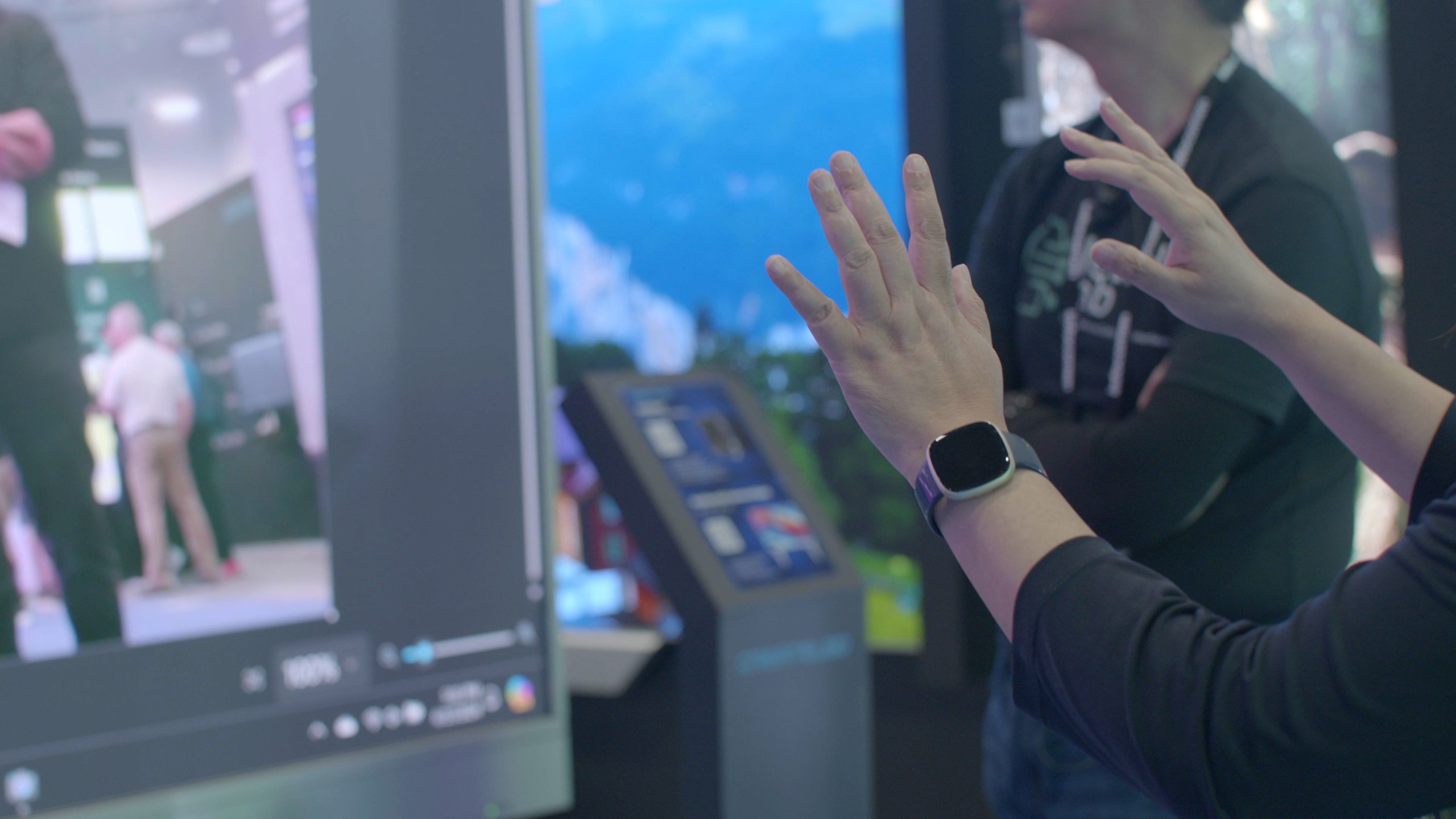
The moment AirTouch is installed, the person who can add hand tracking to a project changes: not just the programmer, but the artist, the AV integrator, and the exhibit builder. The build stays unmodified, and the camera stays a replaceable commodity instead of a dependency.
Skip the SDK
Input Events, Not Integration Projects
Most installations do not need a hand skeleton. They need visitors to point, select, drag, and swipe, and those are input events engines have consumed since the beginning. Map any of AirTouch's 15 gestures to the keys and clicks your project already handles, and an existing game becomes a gesture activation without custom development. When a sensor is discontinued, nothing in your build inherits the problem.
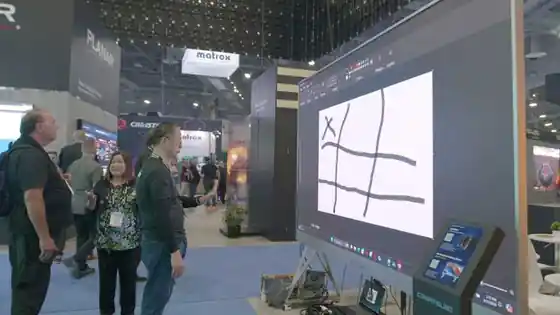
TouchDesigner and media servers
Multi-Touch Walls Without the Touch
TouchDesigner networks that respond to mouse or multi-touch input respond to AirTouch as is. Touch Mode presents gestures to the operating system as touch, including multi-touch, so a projection or LED wall behaves like a giant touchscreen nobody touches. In crowded spaces, patented intent detection is designed to lock onto the active visitor and filter out the crowd.
Going deeper
When the Product Needs It Inside
A display line, a vehicle cabin, or a robot interface needs gesture control in the device itself rather than at the input layer. That is a licensing conversation, and it is what our OEM program exists for: custom gesture sets and engineering support through integration and certification.
Common questions
Engines and Installations, Answered
Point a Camera at Your Next Build
Install AirTouch, aim the camera, and watch your project respond. Hand tracking by this afternoon.
7-day free trial · Card required · Cancel anytime
© 2026 Neural Lab, Inc.
Designed and built in Sunnyvale, CA