
PACS & medical imaging
Touchless Control for PACS and Medical Imaging
AirTouch sends the mouse and keyboard input your imaging viewer already accepts. Scroll a stack, adjust window and level, and zoom with gestures, with no integration and no change to the clinical software.
7-day free trial · Card required · Cancel anytime
Input software, not a medical device · On-device processing
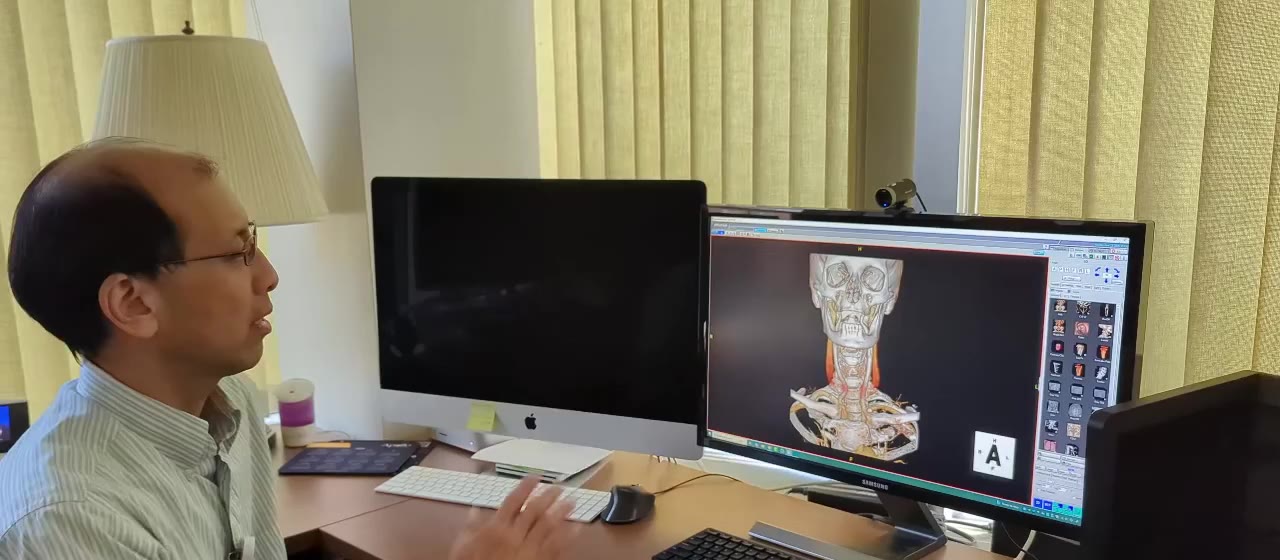
AirTouch is input software, not a medical device. It runs on the workstation, reads hands through a standard camera, and makes no clinical interpretation of any kind. Nothing touches the PACS server, which keeps evaluation low-risk: one workstation, one camera, one afternoon.
Sterile workflow
The Mouse Is the Least Sterile Object in the Room
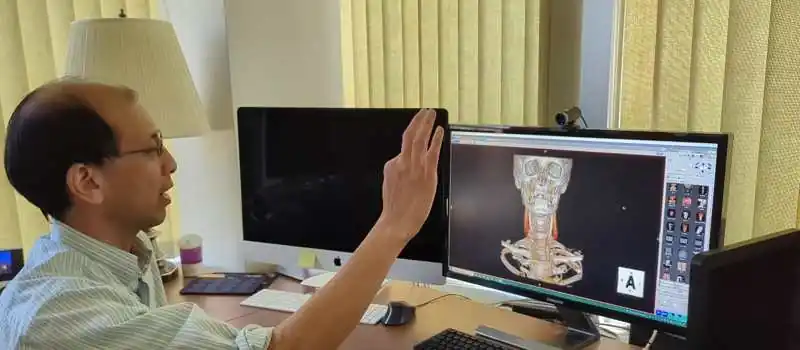
Reviewing images mid-procedure normally means a gloved hand on a shared surface, a re-glove, or narrating instructions to a colleague at the workstation. Touchless control removes the workaround: the clinician who needs the next image gestures for it, from where they stand, with nothing to touch or disinfect. Gloved hands work, within reason, and screens behind glass respond.
How it works
Drives the Viewer You Already Run
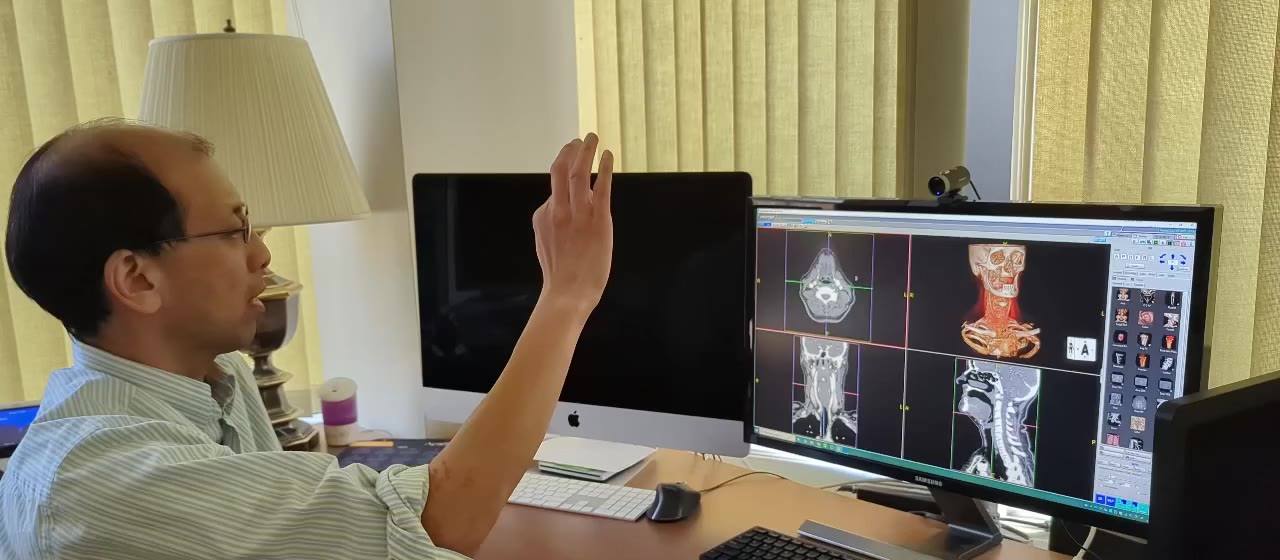
Point moves the cursor, pinch clicks and drags for stack scrolling, and gestures map to the keyboard shortcuts your viewer uses for window presets and series navigation. Profiles keep a reading room setup separate from a procedure room setup. The same applies to WSI viewers in pathology and to 3D visualization tools: if it responds to a mouse and keyboard, it responds to gestures.
Reliability
Designed Not to Fire on the Wrong Motion
Patented intent detection is designed to identify the primary user, lock on until they finish, and filter out the movement of a busy room. Processing runs on the device, and no video leaves the machine by default. Every clinical environment has its own lighting, geometry, and workflow, which is why we test AirTouch against your room before you commit. Some setups may call for a specialized camera.

Common questions
Imaging Workflows, Answered
Test It Against Your Environment
Medical teams usually start with a demo on their own viewer and room. We bring the software; you bring the workflow.
7-day free trial · Card required · Cancel anytime
Input software, not a medical device · On-device processing
© 2026 Neural Lab, Inc.
Designed and built in Sunnyvale, CA